
![[Ultimate Guide to Facebook Ads] Explaining the Methods for Delivering Ads](https://images.microcms-assets.io/assets/c097f8ce630d4dc08c826d3fb9b47604/7ed66f6e7ead41d08e0dfd4005190c69/image1_f38d59dc_f2e31255.jpg?fm=webp)
What are Facebook Ads?
Facebook ads are advertisements delivered within Facebook. They are displayed in the News Feed and Stories while using Facebook. In this section, we will explain five major features of Facebook ads.

Highly Accurate Targeting
Facebook uses a real-name registration system for account registration. Furthermore, since dates of birth and genders are also registered, it is possible to set specific target demographics.
Ad Delivery Possible from Small Amounts
A major appeal of Facebook ads is that they can be delivered starting from a few hundred yen per day. You can deliver ads on a low budget while checking the effectiveness of targeting settings. Since you can deliver ads while minimizing risk, it is perfect for those who are new to ad delivery.
Selectable Delivery Destinations
Facebook ads can be delivered outside of Facebook as well. Examples include Instagram, provided by the same operating company "Meta," as well as media and mobile apps linked with Facebook. This is an easy-to-use delivery method even for those whose main scope of activity is Instagram rather than Facebook.
Types of Ad Formats
Facebook ads have an abundance of format types. Examples include image ads, video ads, carousel ads, and collection ads. Details will be explained in the chapter on selecting ad formats.
Easy Effectiveness Measurement
Facebook ads provide tools to measure ad effectiveness. Using these tools allows for easy analysis to maximize cost-effectiveness.
Creating an Ad Account
To deliver Facebook ads, you need to create a dedicated ad account. In this section, we will explain in detail how to create an ad account, divided into four steps.

Step 1: Create a Business Manager
- Access the Business Manager creation page from your personal Facebook account.
- Click Create Account on the page.
- After entering your business name, your name, and your work email address, click Next.
- Enter the details of your business content and click Submit.
Step 2: Create a Facebook Page
- From the menu on the Facebook homepage, click Pages -> Create New Page.
- Enter the page name, business category, and detailed business information.
- Set a profile picture using your business logo or image.
- Set a cover photo to be displayed at the top of the page.
- Set the page visibility range, notification settings, etc.
- Publish the page.
Step 3: Add an Account
- Log in to Facebook Business Manager and click Accounts from the menu.
- Click Ad Accounts and select Add.
- Click Create a New Ad Account, set the ad account name, time zone, and currency, then click Next.
- Set the ad account permissions to Admin and click Save.
Step 4: Set Up Payment Methods
- Log in to Facebook Business Manager and select Billing from the menu.
- Click Payment Settings -> Add Payment Method.
- Choose Credit Card or PayPal and click Next.
- Check the entered details and click Save.
The above four steps are the procedure for creating an ad account on Facebook.
There is one more important thing here. That is security measures. Because you need to protect the personal information you entered when creating your ad account on Facebook. In particular, for accounts with Admin privileges, setting a strong password and two-factor authentication is a mandatory requirement.
Selecting Campaign Objectives
After creating an ad account, you set campaign objectives (the specific results or Key Performance Indicators (KPIs) that a company or organization aims to achieve when implementing marketing campaigns or advertising activities) to achieve your business goals. Campaign objectives are selected from three types: Awareness, Consideration, and Conversion. By choosing a campaign objective corresponding to the action you want users to take, the ad effectiveness will be greater. This section explains the types and features of campaign objectives you can set.

Awareness
The purpose is to get people to know about your brand and the products you offer.
Brand Awareness
Brand awareness ads are delivered to increase the recognition of a brand or business. The goal is to have many people see them.
Reach
These are ads delivered
to as many target audiences as possible. They maximize the number of ad impressions displayed on screens on the internet.
Tomira Facebook Ad Operation & Consulting
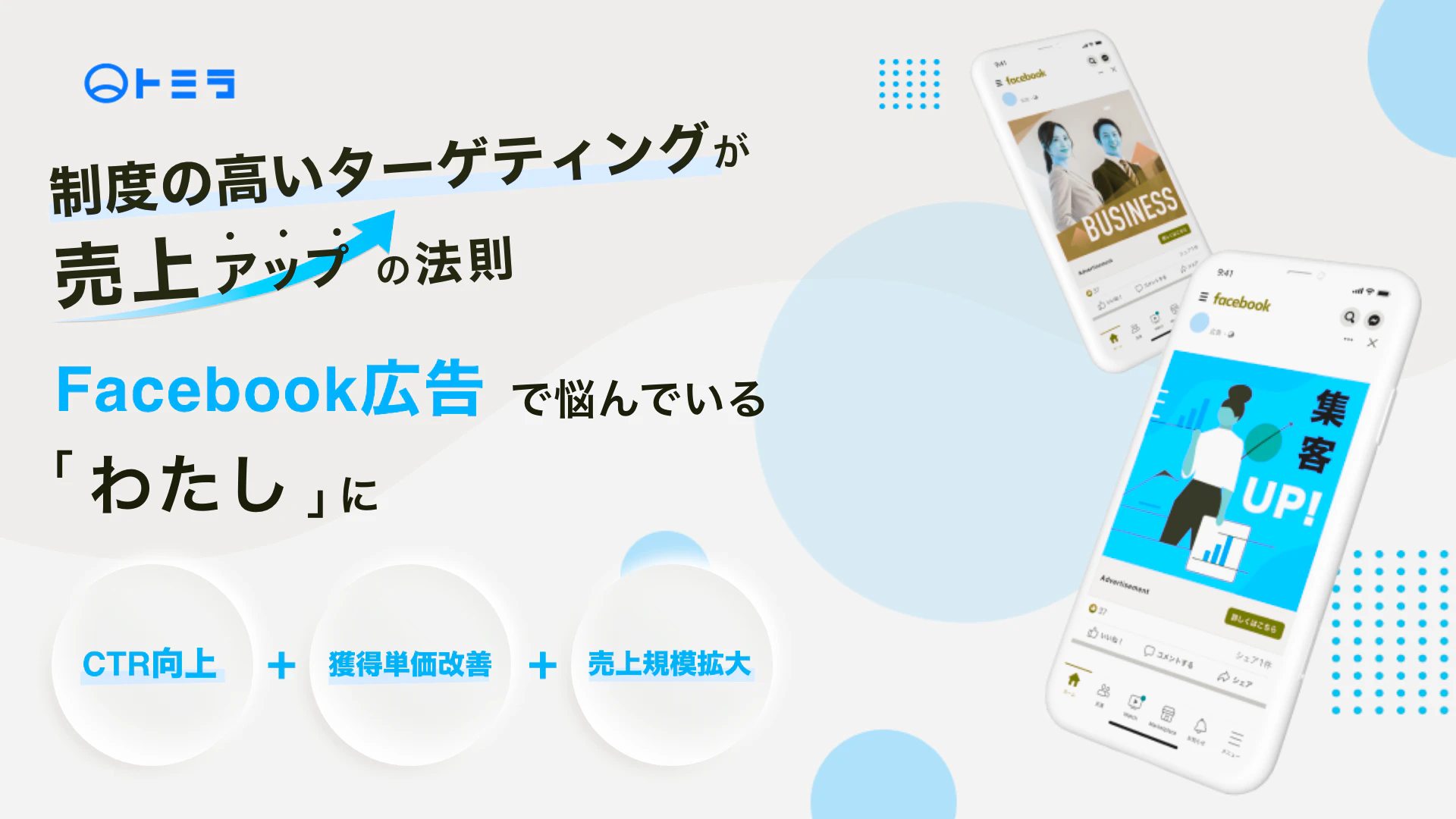
Tomira provides services specialized in Facebook ad operations. Our dedicated team handles everything from creative production to ad management and analysis consistently, implementing the optimal ad management for our clients. We enable distributions leveraging the characteristics of Facebook ads and utilize unique know-how obtained from extensive operational experience.
Operated by Professionals Specializing in Facebook Ads
Because it is operated by professionals with extensive knowledge well-versed in Facebook ads, you can leave it to us with peace of mind. Since ad management reflecting the latest trends is possible, significant growth in results can be expected.
Distribution Leveraging High-Precision Targeting
Tomira can perform distributions leveraging the characteristics of Facebook ads, which allow for high-precision targeting. Because we are well-versed in targeting settings, we support customer attraction and sales increases with optimal distribution tailored to each client's purpose and goal.
From Consulting to Operation
We can handle a wide range of requests, from consulting for accounts managed in-house to integrated operation outsourcing plans where we handle production, operation, and analysis together. We identify improvement points from daily operations, reflect them quickly, and support result enhancement.
| Item | Content |
|---|---|
Service Name | Tomira Facebook Ad Operation & Consulting |
Company Name | Tomira Inc. |
Address | BIZ SMART 235, 2-12-8 Kita-Aoyama, Minato-ku, Tokyo |
Business Content | ・Web/Digital Marketing Support |
Official Site | https://tomira.co.jp/marketing/ads/ads_facebook/ |